Six tools let buyers and sellers sign PDFs on phones without accounts
Only the sender needs to pay for an account in most eSignature workflows, allowing clients to sign via a browser link on any mobile device.
By Giulia Marshall ·
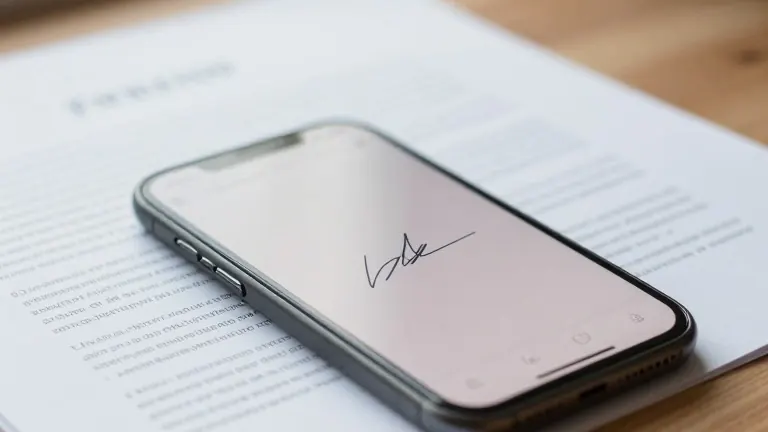
Most real estate agents rely on electronic signatures, yet clients often face unnecessary login hurdles when asked to sign documents. According to the National Association of Realtors 2025 Technology Survey as reported by HousingWire, 79% of Realtors use eSignature technology. The friction usually falls on the buyer or seller, who are required to register, verify emails, and download apps before signing a simple addendum.
A review of six major platforms shows that nearly all allow recipients to sign PDF files from a mobile browser without creating an account. The differences lie in what the sender pays, the number of free requests included, and the verification records generated. These tools include Lumin, DocuSign, Adobe Acrobat Sign, Dropbox Sign, SignNow, and Smallpdf.
Lumin provides five free documents per workspace per month for senders. Recipients sign via an emailed link on any device. The platform integrates with Google Workspace, allowing agents to open, edit, and send files without downloading them. Paid plans start at approximately $9 per month. The tool includes audit trails and certificates of completion for signed documents.
DocuSign is the default choice for large brokerages. By default, recipients do not need an account unless an administrator changes security settings. The mobile interface allows users to sign and return documents without installing an app. Adobe Acrobat Sign serves teams already using the software. Signers can use a web browser or mobile device without purchasing an Adobe product, though the sender requires a paid subscription.
Dropbox Sign offers three free signature requests per month for senders who store contracts in Dropbox. Signers do not need a Dropbox account. SignNow provides templates and signing links for repeat paperwork like rental applications. Smallpdf is a browser tool for quick self-signing. It requires no app installation or account creation for a single signature on a single document.
Senders should test the signer path on a phone with no app installed before choosing a tool. If a sign-up screen appears, the settings or the tool need adjustment. For high-value transactions, email-link signing confirms inbox access but not identity. Senders should consider identity verification options and confirm wiring instructions by phone to prevent payment fraud. Electronic signatures are legally binding in the US under the ESIGN Act and UETA, though some documents like deeds may still require wet signatures or remote online notarization depending on state law.
Free tiers range from three to five requests per month. Agents closing several deals monthly will likely outgrow these limits quickly. Resending a signing link rather than a PDF attachment reduces the chance of unexpected account prompts. The choice of tool depends on monthly volume and the specific needs of the client's phone.